
Recommended Functions
All
Copy Function
Printer Function
Scanner Function
Configuration and Management
Paper
Print Quality
Refine by Purpose
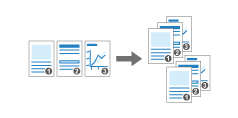
Copying for Each Page
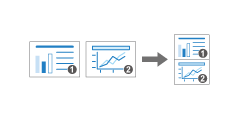
Combining and Copying a Multi-page Original onto a Single Sheet of Paper
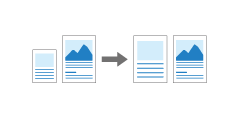
Enlarging or Reducing According to the Paper Size
Recalling the Settings from the Job History and Copying (Select One Touch Job)

Changing the Default Value of Each Function
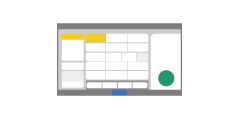
Specifying the Screen Type to "No Scrolling Screen" for Operation
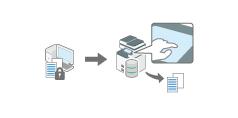
Storing Documents to Print in the Machine (Password)
Scaling Data to Fit the Specified Paper Size
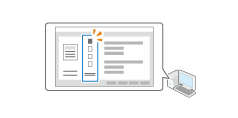
Registering Frequently Used Settings
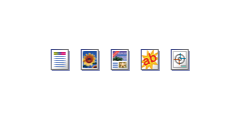
Applying Different Print Settings Depending on the Document Type
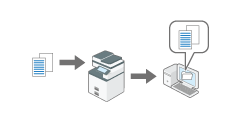
Scanning Documents and Sending the Scanned Data to a Folder
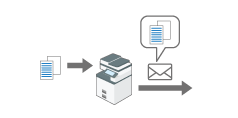
Scanning Documents and Sending the Scanned Data by E-mail
Scanning an Original as a PDF with Security Setting Specified
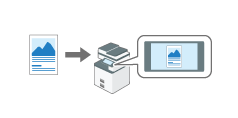
Displaying a Preview Before Sending the Scanned Document

Scanning an Original as a PDF File with Embedded Text Data
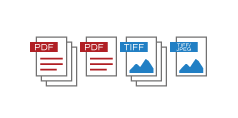
Specifying the File Type or File Name When Scanning a Document
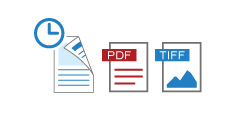
Recalling the Settings from the Job History and Scanning (Select One Touch Job)
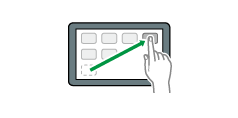
Adding Applications and Widget to the Home Screen
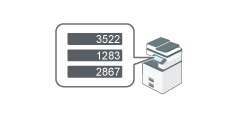
Checking the Counter of the Machine

Loading Paper Roll

Print Nozzle Check Pattern
Clean Print-heads
Flush Print-heads
Adjustment

How to Use the Help Screen