Making a Partial Copy as a Test and Copying the Rest of the Original
When you print multiple sets by specifying Sort, you can print a single set in advance to check the printing results, and then copy the rest (Sample Print). By checking the printing results in advance, you can prevent misprints.

When you use the bypass tray, you cannot use the sample print function.
Press [Copy] on the Home screen.

Press [
 ] or [
 ] under [Quantity] on the Copy screen to specify the number of copies.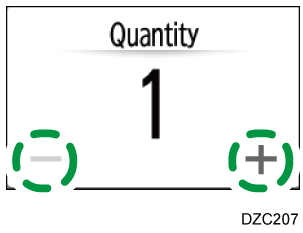
You can enter this using the keyboard after pressing [Quantity] or a number.Press [Finishing]
 [Sort] [Sort] on the Copy screen.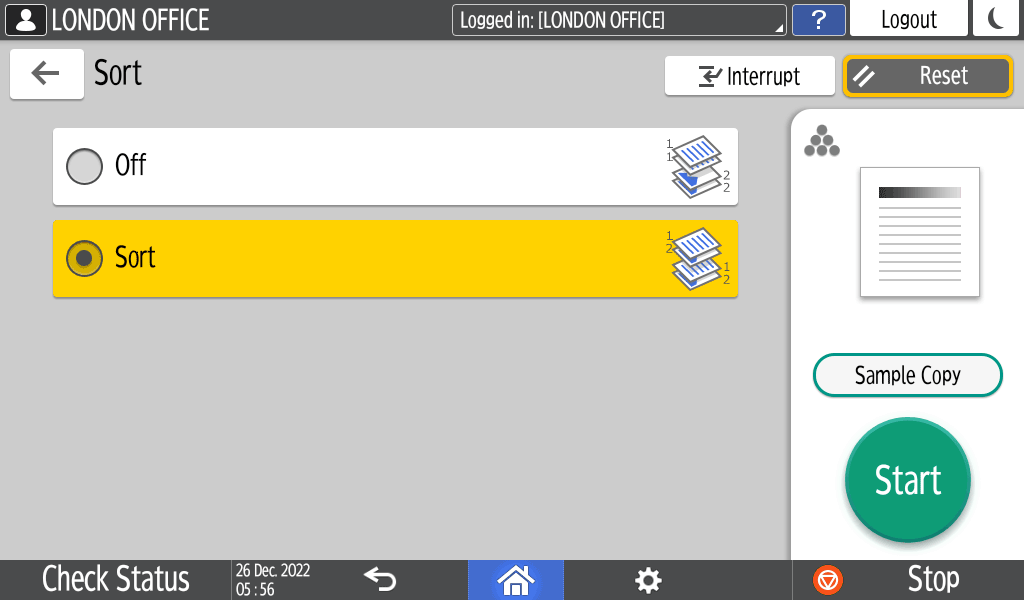
Copying in Page OrderPlace the original.
Basic Procedure for Copying DocumentsPress [Sample Copy].
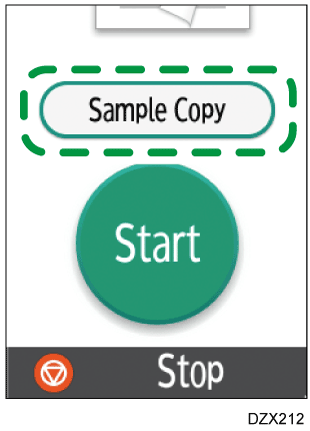
Only one set will be printed.
When placing the originals on the exposure glass, press [Finish Scn] after scanning all of the originals if necessary according to the number of originals.If the sample looks good and no change is required, press [Continue].
The rest will be copied.
If you press [Suspend], you can change the copy settings. You may not be able to change some settings depending on the combination of functions.