Copying in Page Order
When copying two or more copies of multi-page originals, you can specify the page order.
Sort
Copies in the order of the original.

Press [Copy] on the Home screen.

Place the original.
Basic Procedure for Copying DocumentsPress [
 ] or [
 ] under [Quantity] on the Copy screen to specify the number of copies.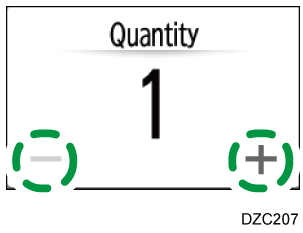
You can enter this using the keyboard after pressing [Quantity] or a number.Press [Finishing]
 [Sort] [Sort] on the Copy screen.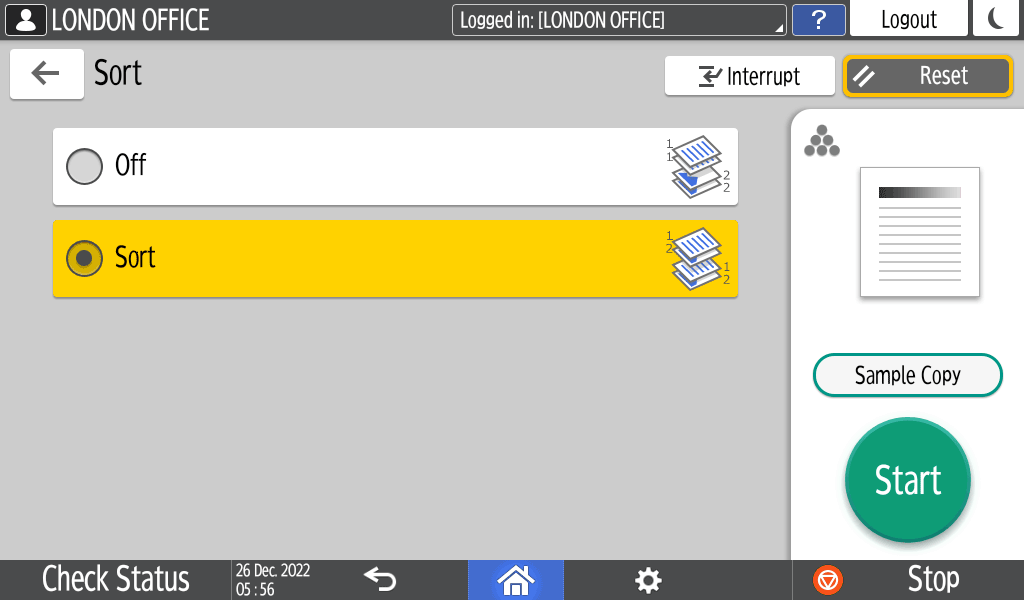
Press [Start].
When placing an original on the exposure glass, a single set of copies is made. After scanning all of the originals, press [Finish Scn] to copy the rest of the sets.