Copying onto Envelopes
To copy onto envelopes that are not usually used, set them in the bypass tray.

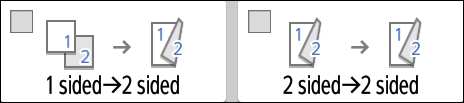
The Duplex Copy function cannot be used for envelopes. If Duplex Copy is specified, press one of the following keys to cancel the setting.
Press [Copy] on the Home screen.
Set the envelope in the bypass tray with the copying side face down.
Envelope Orientation and Recommended Status
The "Bypass Tray Paper Settings" screen is displayed.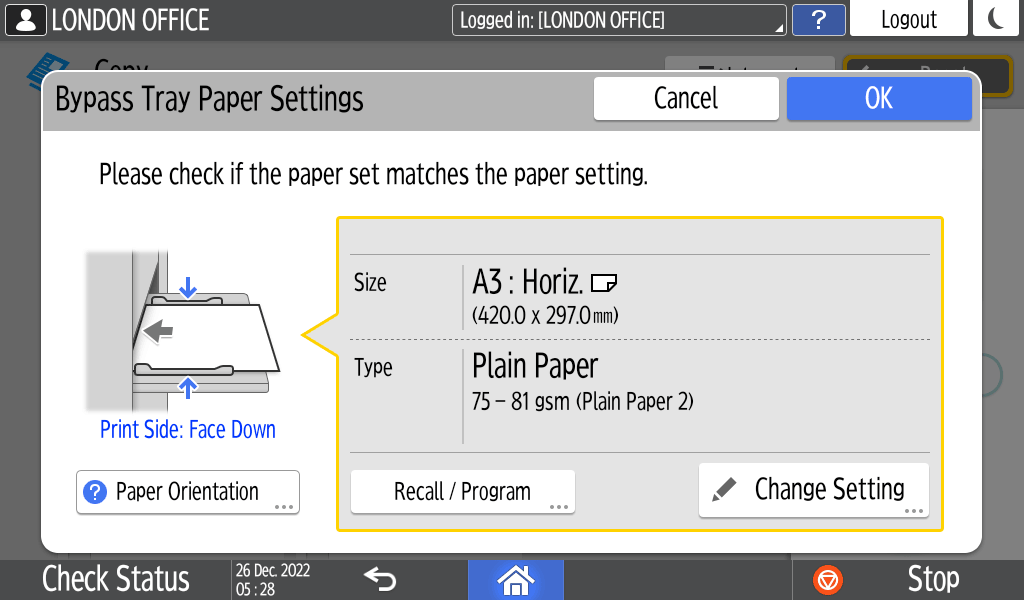
Press [Change Setting].
Select [Envelope], and then proceed to the next screen.

To change the envelope weight, press [ChngThickness] to specify the weight.Select the envelope size that you set, and then press [OK].

When you select [Custom Size], enter the envelope size. When the envelope is set with the flap opened, be sure to include the width of the flap.
Confirm the settings on the "Bypass Tray Paper Settings" screen, and then press [OK].
Place the original on the exposure glass.
Envelope Orientation and Recommended StatusPress [Start].