Separating a 2-Sided Original Into 1-Sided Copies
You can copy a two-sided printed material as shown below.
Copies the front and back sides of a two-sided original onto one side of a sheet (Series).

Press [Copy] on the Home screen.

Press [Series/Book]
 [Series] on the Copy screen.
Specify [Series] settings.
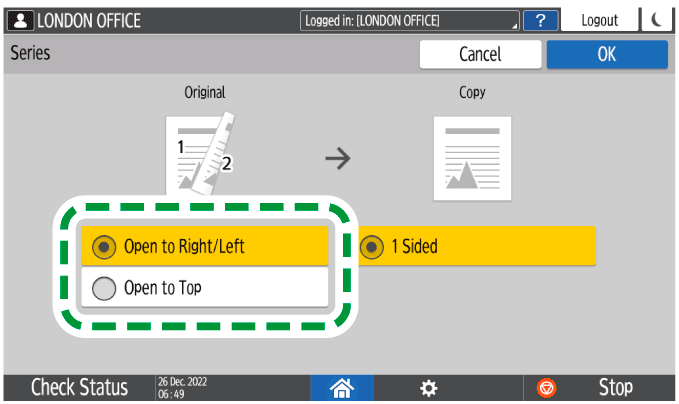
Press [OK].
Place the original.
Basic Procedure for Copying DocumentsPress [Start].
When placing the originals on the exposure glass, press [Finish Scn] after scanning all of the originals if necessary according to the number of originals.