


 Previous
After jammed paper was removed from Banner sheet tray of multi bypass tray (Tray A).
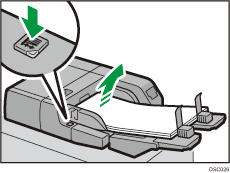
 Press the base board elevation button to lower the base board.
 Remove the end fence.
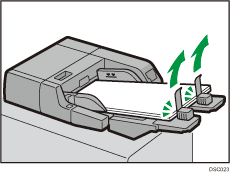
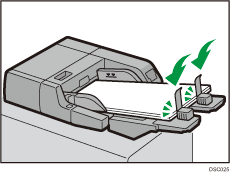
 Load paper into the tray again.
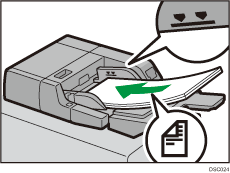
 Align the end fence with the bottom edge of the paper.
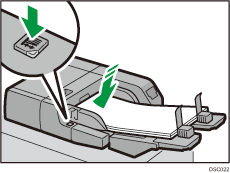
 Press the base board elevation button to raise the base board.