How to Use Document Server
You can save data in the document server on the internal storage of the machine.
Saving documents
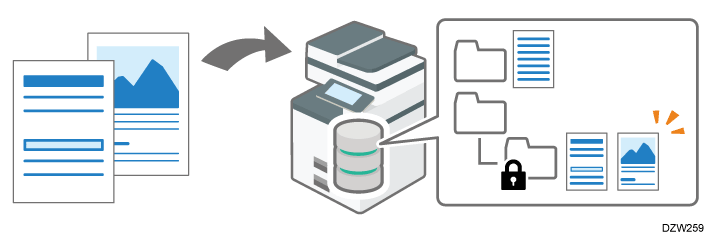
You can save the data scanned on the document server function or sent from the computer by the printer driver. The documents are saved in folders in the document server.
You can also save documents from copy, scanner, and fax applications.
Confirming documents
You can organize documents by using folders or change document information. You can also specify access privileges for documents stored in the document server in order to prevent unauthorized use.
Using the saved documents
You can print the saved documents as necessary. You can also download saved documents to the computer with the Web Image Monitor.

To download documents that have been saved using the copy function, the document server function or the printer driver to your computer, you must install the file format converter on the machine in advance.
Documents that are saved from the scanner function or the fax function can be sent by using that same application. For how to send documents, see the following section:
Operating/Sending Stored Documents (Scanner)
Operating/Sending Stored Documents (Fax)By pressing [Select Stored File] on the scanner screen, you can manage documents that have been saved from the scanner screen. However, you cannot print them.