When Color Loss or Blurring Occurs
If color loss or blurring occurs, adjust the paper transfer voltage by using [Adjust Paper Transfer Voltage Offset] in [Maintenance]. Adjust the paper transfer voltage according to the paper thickness.
Press [Settings] on the Home screen.

Press [Maintenance]
 [Adjust Paper Transfer Voltage Offset].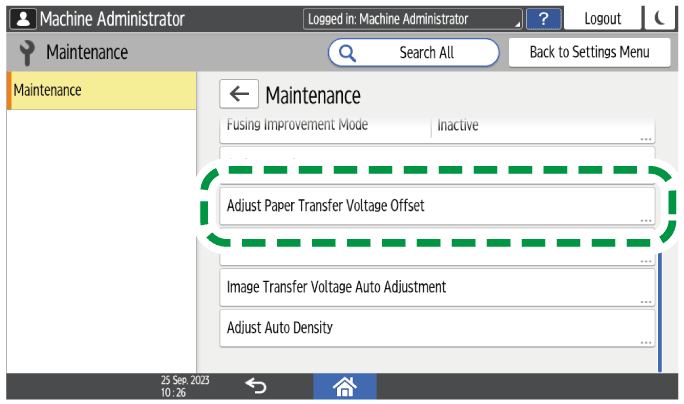
Press the value next to the paper thickness name that you want to adjust the paper transfer voltage.
Enter the value you want to set for the paper thickness.
If the color is partially lost or blurred, set the value higher. If white spots or stains appear, set a lower value.Press [OK].
Press [Home] (
 ) after performing the adjustment.