Setting SEP Codes for Reception
This section explains how to enter a SEP Code to request the destination to transmit a document.
You can receive a document stored in the destination's memory if the document has the same SEP Code as the SEP Code you entered.
You can enter numbers, *, #, and spaces.
Documents can be received from faxes that have Information Boxes.
This function enables the machine to receive documents from multiple destinations.
A SEP Code cannot be used with Internet Fax and e-mail.

Before receiving a fax, first register a SUB code for the destination in the address book.
Registering a Fax Number and Send Conditions
Press [Fax] on the Home screen.
Place the original in the Auto Document Feeder (ADF) or on the exposure glass.
Setting an Original to Send by Fax on the ScannerPress [Settings] on the fax screen.
Press [SUB/SEP Code Settings].
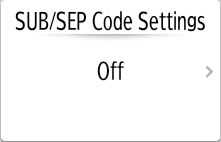
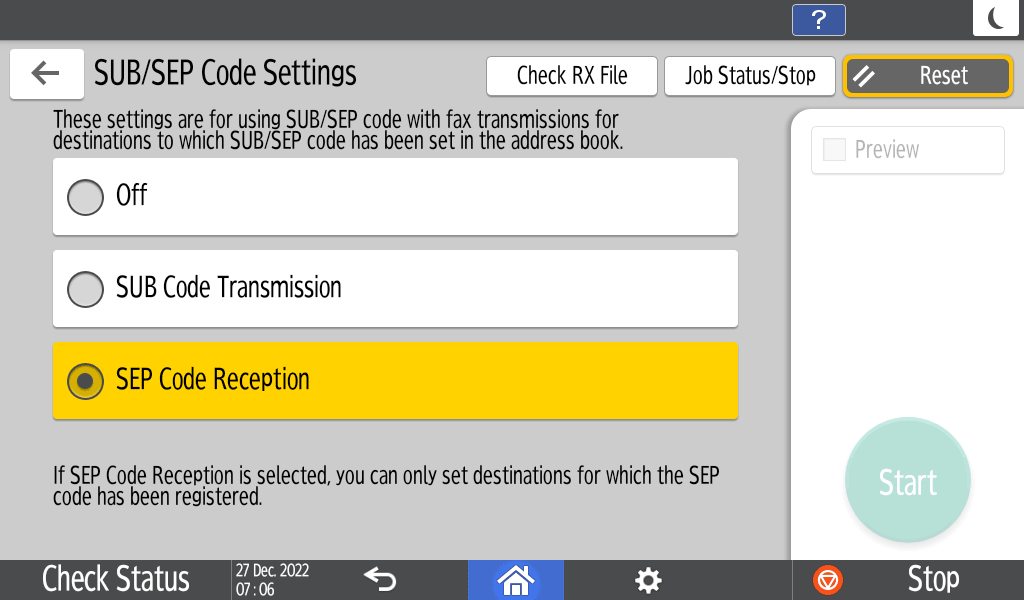
Select [SEP Code Reception].
Configure the scan settings.
Sending a Fax at the Image Quality Suitable for the OriginalSpecify the destination on the fax screen.
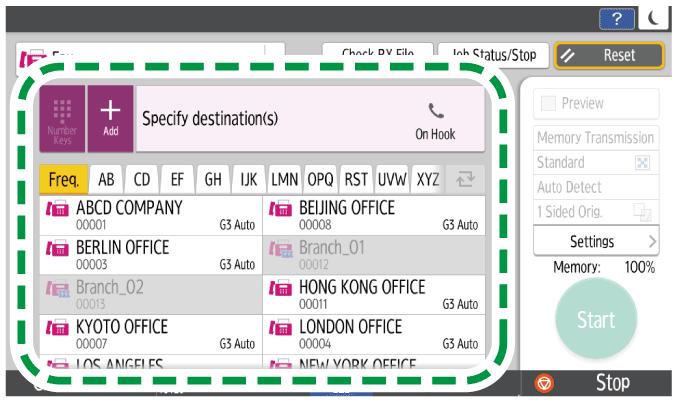
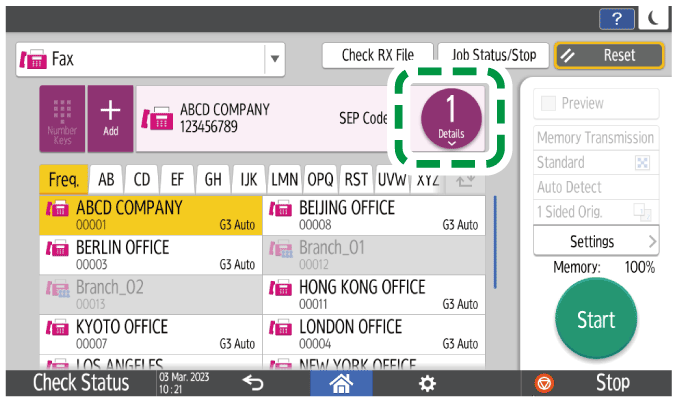
You can check the SEP code settings for the specified destination.
After specifying the destination, press
 .
.
Select the destination for which you want to confirm the settings for the SEP code.
Press [Chk. SEP/SUB Code].
Press [Start].
After scanning the originals, you can check and operate the originals waiting to be sent that are stored in the memory until the transmission is complete.
Confirming and Handling a Document in the Fax Queue

You can change or delete the SEP code, and set the password in the address book.
Changing/Deleting the Registered Data Such as Fax Number