Copying Mixed-size Originals
You can place mixed-size originals in the ADF at the same time and copy them (Mixed Sizes).
For details about the sizes of originals that you can specify the [Mixed Sizes], see the following section:
Recommended Original Size and Weight

When placing originals of different sizes in the ADF without specifying [Mixed Sizes], paper may become jammed or parts of the original may not be copied.
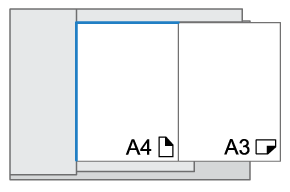
If originals are different sizes, but have one dimension in common, such as A3
 and A4
 sizes, then you can place them in the ADF and copy them.
Press [Copy] on the Home screen.
Press [Original Setting/Store File]
 [Original Size] on the Copy screen.
Press [Mixed Sizes].
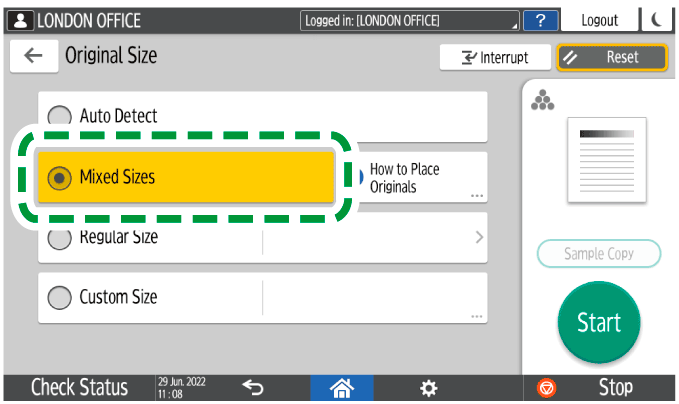
Adjust the original guide on the ADF to the widest original size.
Place the original in the ADF.
When you copy combining [Mixed Sizes] and [1 sided→2 sided], be sure to set an original of the same size for the front and back sides. If the size of the original cannot be the same, insert a blank sheet for adjustment.Press [Start].

It takes more time to print or read.