Removing the Paper Remaining Inside the Tray
If you execute a new job while paper remains inside some of the trays, an error will occur. Follow the procedure described in the on-screen animated illustration to remove the paper. If the animated illustration does not play, follow the procedure below to remove the paper.
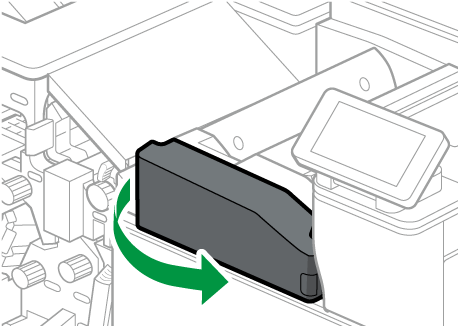
Open the folding unit front cover.
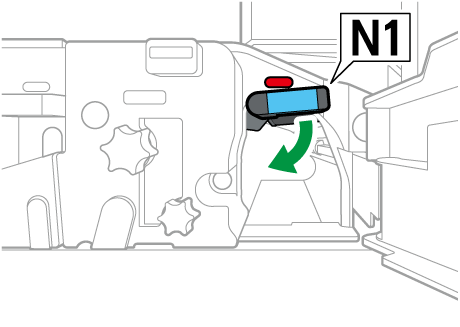
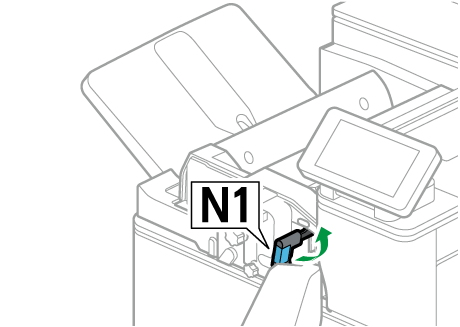
Open the N1 guide board.
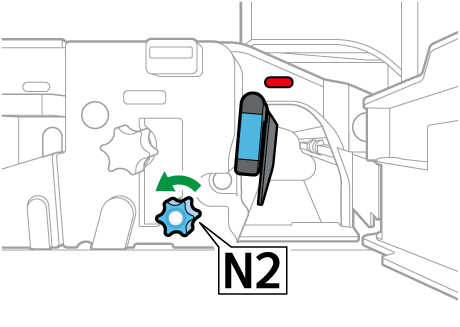
Rotate N2 counterclockwise.
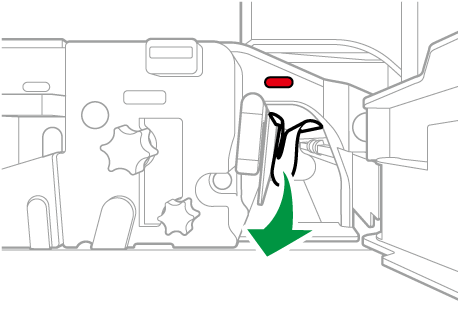
Remove the paper from the right side.
Close the N1 guide board.
Close the folding unit front cover.