Taking Measures to Prevent Information Leaks
Information leaks may be caused by loss of documents or data, or by human error. The information asset in the machine will be safer by decreasing these problems and promoting user awareness of file management.
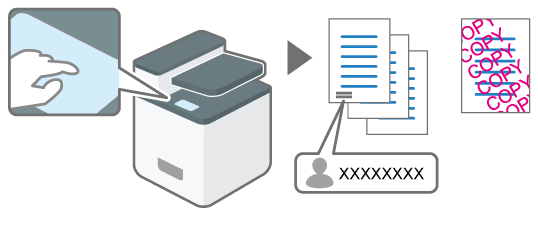
Specifying the function to avoid leaving documents or unauthenticated copies
To avoid leaving printed documents in the machine, specifies to print the name of the user who performed printing on the output sheet or to use the control panel to perform printing.
Specifies also to print embedded text to warn of unauthorized copying.
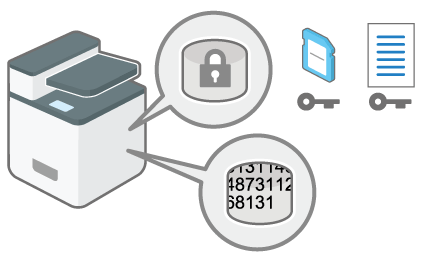
Encrypting data in the internal storage or deleting data by overwriting
The internal storage of the machine stores all data about documents and users in the Address Book. The data in the internal storage can be encrypted or deleted to avoid restoring the data.
Encrypting Data to Prevent Data Leaks Caused by a Stolen or Disposed Machine

See also the sections below on how to prevent information leaks:
Controlling Access to Untrusted Websites from the Control PanelRestricting Operations of the Customer Engineer without the Supervision of the Machine Administrator