
Checking the Serial Number of the Machine
You can check the serial number of the machine using Web Image Monitor.
 Launch the Web browser.
 Enter "http://(IP address of the machine or host name)/" on the address bar of the Web browser, and then press the Enter key.
 Click [Device Info] on the [Status/Information] menu.
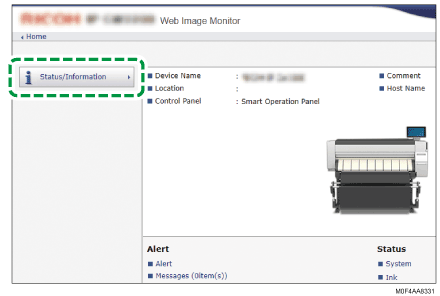
 In the "System" category, check the serial number (an alphanumeric character string) next to "Machine ID".
 Click [Back].