
Checking the Ink Levels
You can check the remaining ink levels using the control panel or Web Image Monitor.
Checking the Ink Levels Using the Control Panel
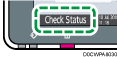
 On the Home screen, press [Check Status].
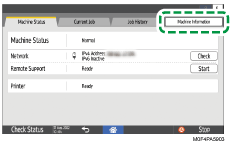
 Press [Machine Information].
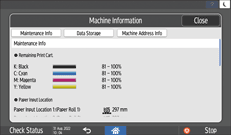
 Check the ink levels under Remaining Print Cart..
 Press [Close].
 Press [Check Status].
Checking the Ink Levels Using Web Image Monitor
Launch the Web browser.
Enter "http://(IP address of the machine or host name)/" on the address bar of the Web browser, and then press the Enter key.
Click [Check Details].
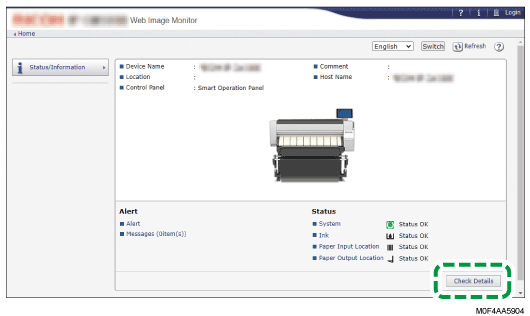
In the "Status" category, check the remaining ink levels under "Ink".
Click [Back].