
Starting Web Printing Tool
 On the [Start] menu, click [IM CW2200 CW1200 Web Printing Tool].
 Enter the IP address of this machine in "Machine IP Address".
 Click [OK].
Screen Configuration
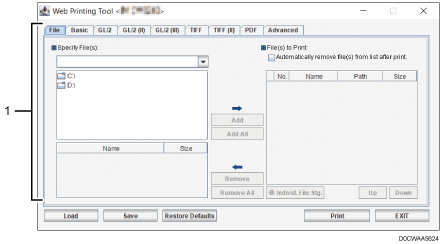
Area for selecting files to print and configuring print settings
This area is used for selecting the files to print and configuring print settings.

For details, see Web Printing Tool's Help.