
Printing the Destination List
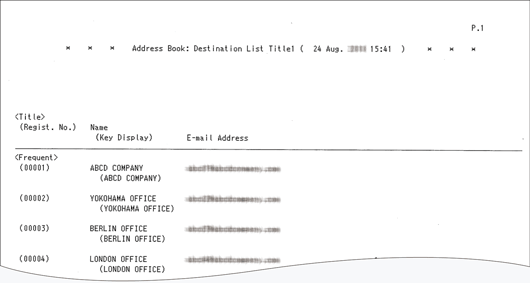
You can print the list of destinations registered in the address book. You can select a print format such as the title list or group list.
Example: Procedure for printing the list in the [Print Destination List in Title 1 Order] print format
 On the Home screen, press [Address Book].
 Press [Management]
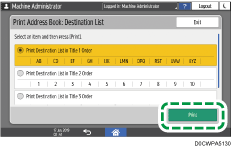
 [Print Address Book: Destination List].
 Select a print format, and then press [Print].
 After printing, press [Home] (
 ).
).