User GuideIM C300/C300F/C400F/C400SRF

Precautions When Removing Jammed Paper

CAUTION

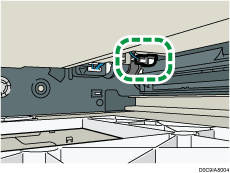
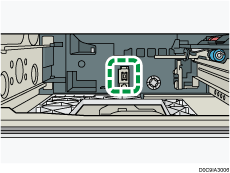
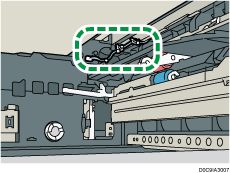
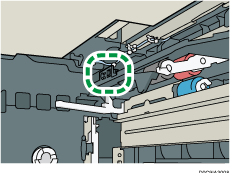
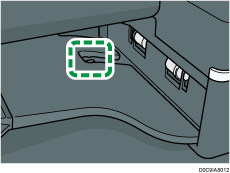
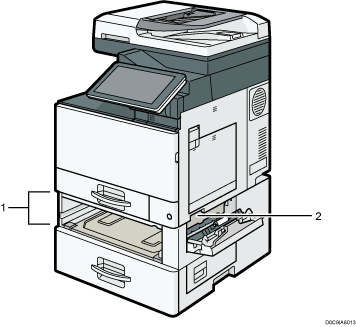
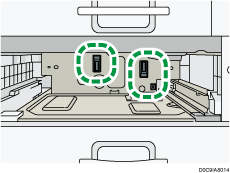
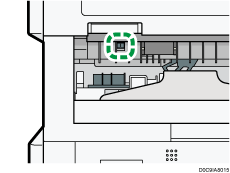
  • Some of the internal components of this machine are fragile. When you remove jammed paper, do not touch the sensors, connectors, LEDs, or other fragile parts that are shown in this manual. Doing so may cause malfunctions.
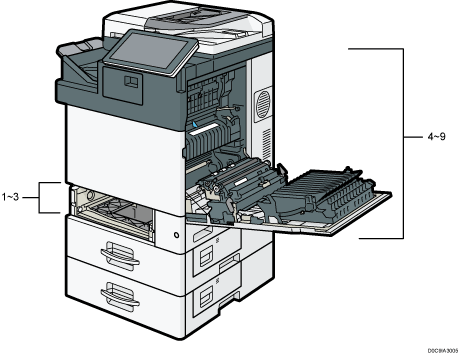
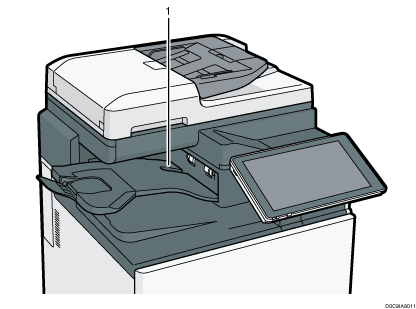
  • See below for the location of the sensors on this machine and options.

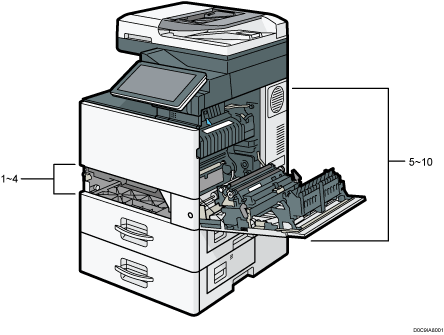
    This Machine (IM C300 series/IM C400F) Region A icon(mainly Europe and Asia)

    machine illustration
    machine illustration

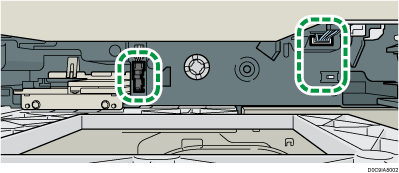
    1, 2. (IM C300 series only)

    machine illustration

    3. (IM C300 series only)

    machine illustration

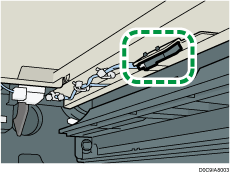
    4. (IM C300 series only)

    machine illustration

    1. (IM C400F only)

    machine illustration

    2. (IM C400F only)

    machine illustration

    3. (IM C400F only)

    machine illustration

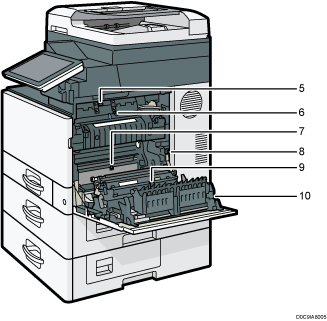
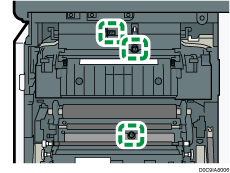
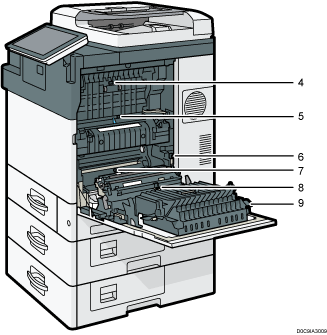
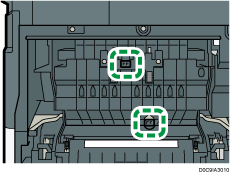
    5, 6, 7.

    machine illustration

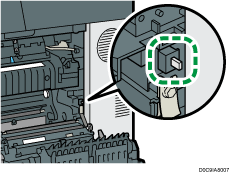
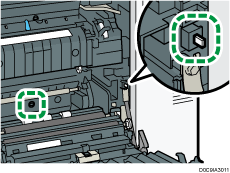
    8.

    machine illustration

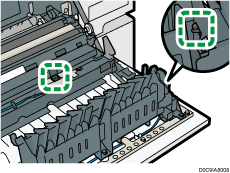
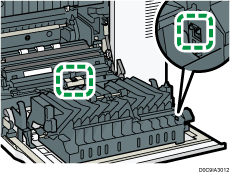
    9, 10.

    machine illustration

    This Machine (IM C300F/C400F) Region B icon(mainly North America)

    machine illustration
    machine illustration

    1, 2. (IM C300F only)

    machine illustration

    3. (IM C300F only)

    machine illustration

    4. (IM C300F only)

    machine illustration

    1. (IM C400F only)

    machine illustration

    2. (IM C400F only)

    machine illustration

    3. (IM C400F only)

    machine illustration

    5, 6, 7.

    machine illustration

    8.

    machine illustration

    9, 10.

    machine illustration

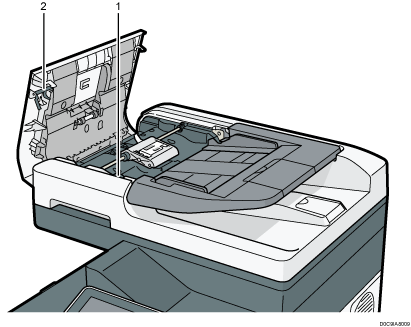
    ADF

    machine illustration

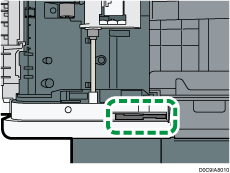
    1.

    machine illustration

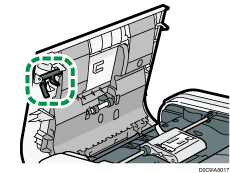
    2.

    machine illustration