
Procedure for registering entered destinations to the Address Book (classic)
 Press [Fax], [Internet Fax], [Email], or [Folder] to switch the transmission type.
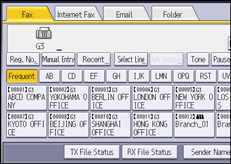
 Enter the destination.
 Press [Prg. Dest.].
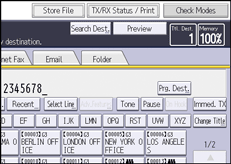
 Press [Names] and enter any necessary information.
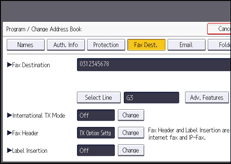
When registering an e-mail destination, select [Email / Internet Fax Destination] for [Use Email Address for].
 Press [OK].