
Procedure for Background Numbering (classic)
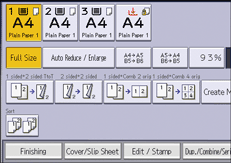
 Press [Edit / Stamp].
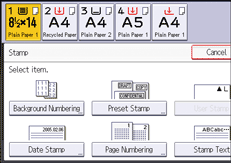
 Press [Stamp] twice.
 Press [Background Numbering].
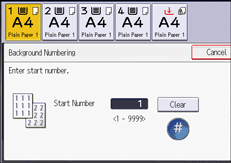
 Enter the number to start counting from with the number keys, and then press [
 ].
].
 Press [OK] three times.

The numbers appear to overlap the copied image in some cases.
You can change the settings for Background Numbering under [Background Numbering] in User Tools. For details, see Background Numbering (Copier / Document Server Features).