Scanning an Original from the Computer
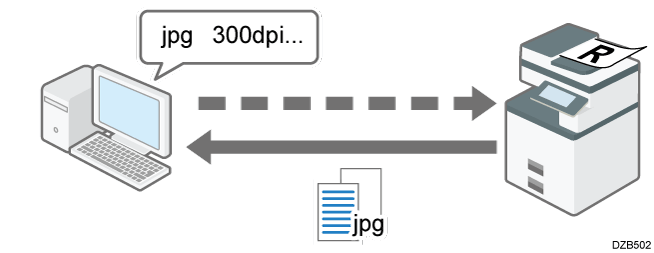
You can use the TWAIN scanner to scan a document placed on the machine, and save the scanned data on your computer over the network.
You can also save documents scanned on the machine to your computer by connecting a USB cable to the USB port of the machine.
TWAIN scanner
Use the TWAIN scanner from an image editing application to directly scan an original placed on the machine. Install the provided TWAIN driver to your computer to use this function. You can maximize the performance of the scanner when scanning a document.
Scanning Documents into an Application on a Computer Using TWAIN