Resending an Unsent Fax Document
You can configure the machine to store a fax that could not be sent by Memory Transmission due to an error in the memory and send it again later.
To use this function, configure [Detailed Initial Settings] in [Fax Settings] in advance.
Press [Settings] on the Home screen.

Press [Fax Settings] on the Settings screen.

Press [Detailed Initial Settings]
 [Parameter Setting] [Parameter Setting].
Select bit number [0] under switch number [24], and change current value to "1".

Press [OK].
Press [Home] (
 ) after specifying the settings.

Documents that could not be sent are stored in the memory for a period configured by bit number [1] at switch number [24].
List of Parameter Settings
Operate on the [Check/Stop Transmission File] screen to resend a document stored in the fax memory.
Press [Fax] on the Home screen.
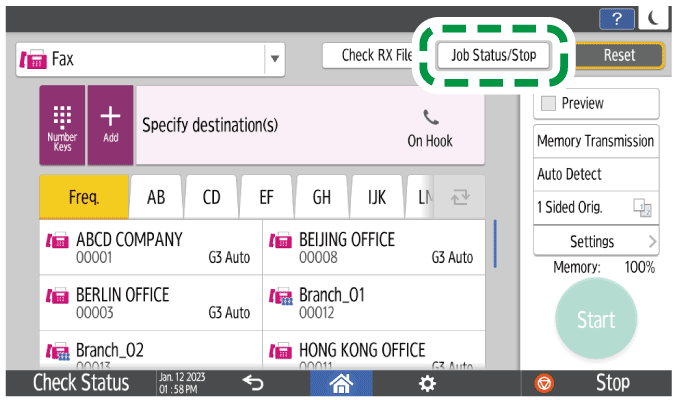
Press [Job Status/Stop] on the fax screen.
Press [Check/Stop TX File] on the [Job Status/Stop] screen.
On the [Check/Stop Transmission File] screen, select the document to send again, and press [Transmit Now].
Upon starting transmission, the status "Failed" changes to "Trnsmtg.". The document is deleted from the list after completing the transmission. Press [Transmission Result] on the [Job Status/Stop] screen to check the transmission result.