Confirming the Total Counters
You can confirm the total print volume (counter value) using the control panel or Web Image Monitor. On the control panel, you can print the counter list as well.
On the Home screen, press [Settings].
Press [Counter].

Confirm the total counters.

Each total counter indicates the number of printed pages accumulated over the period from the time of purchase to the present.
Total Counter: Displays the total number of printed sheets/pages.
[Print Counter List]: You can print the counter list.
Press [Close].
Press [Home] (
 ).
).
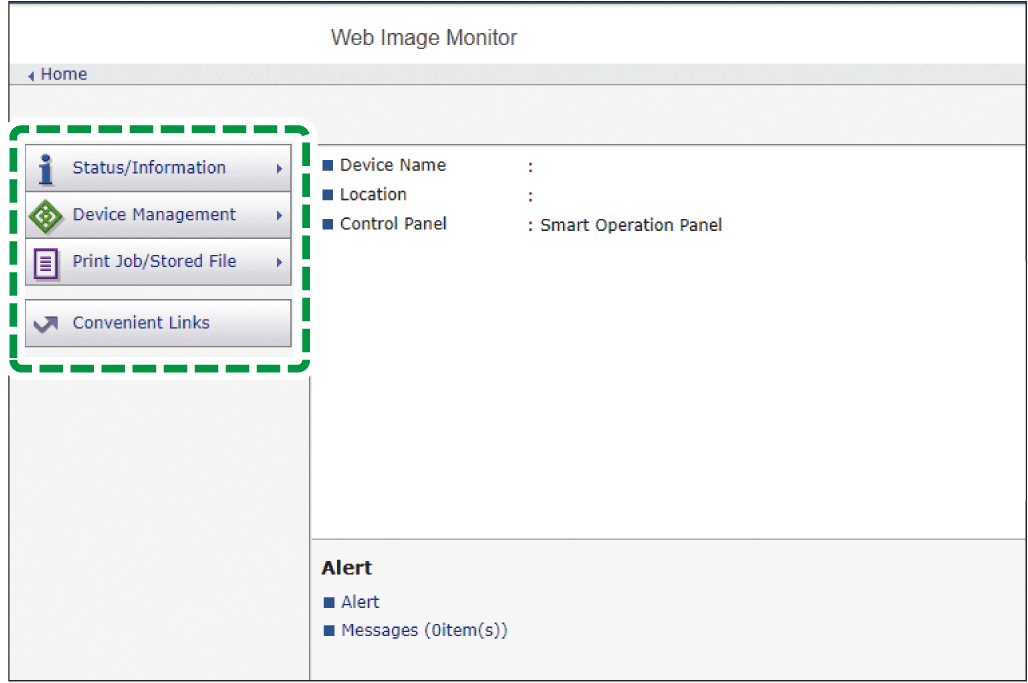
Log in to the machine as an administrator from Web Image Monitor.
Logging in to the Machine as an AdministratorClick [Counter] on the [Status/Information] menu.
Confirm the total counters.
Each counter indicates the number of printed pages accumulated over the period from the time of purchase to the present.
Total Counter: Displays the total number of printed sheets/pages.
Black & White: Displays the total number of sheets/pages printed in black and white.
Click [Back].
Log out of the machine, and then exit the Web browser.