When the Printed Paper Curls
You can control the fuser temperature to prevent paper from curling. Enabling this function may decrease the print speed.
Press [Settings] on the Home screen.

Press [Maintenance]
 [Curl Prevention].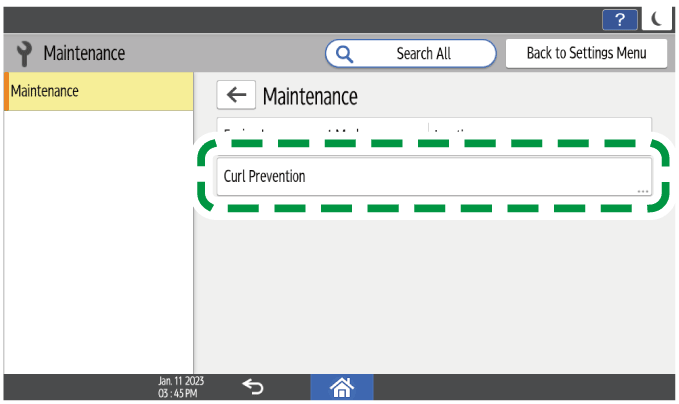
From the list next to Curl Prevention, select [Active].
Press [OK].
Press [Home] (
 ) .
) .

[Curl Prevention] is enabled in the following situations.
[Thin Paper], [Plain Paper 1] or [Plain Paper 2] is specified as the paper type in the printer driver or as the paper thickness on the control panel.
[600 dpi] is specified in [Resolution].