
Assigning Frequently Used Functions to the Function Keys
By assigning frequently used functions to the function keys, you can switch between the modes without returning to the Home screen.
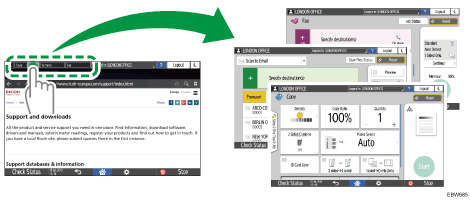
The function keys are not displayed when they are disabled in [Screen Features Settings].
You can change the functions assigned to the function keys using the following procedure:
 Press [Settings] on the Home screen.
 Press [Screen Features Settings]
 [Screen Device Settings][Function Key Settings].
If the function key is inactive, select the check box of the [Function Key].
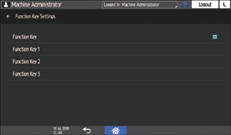
 Select the function key to assign a function, and then press [Allocated Function].
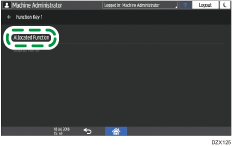
 Select a function to be assigned from the list, and then press [Display Name].
 Enter the name to display on the function key, and press [OK].
 After completing the procedure, press [Home] (
 ).
).